folderblog 0.2.1 · free & open source
A folder
is a blog.
Write a Markdown file. Save it into a folder. A few seconds later it's live on your site. No front matter, no build step, no deploy command. Nothing to remember, so nothing to forget.
Linux · GitHub Pages or any host · themes designed by you, or your coding agent
[folderblog] watching ~/Blogs
Nothing published yet. Press Save.
The tour
Everything in three and a half minutes
Narrated, captioned, and every site in it is real.
How it works
Write. Save. That's publishing.
- 1
Write
Any editor, plain Markdown, saved into
~/Blogs/myblog/posts/. Images can sit beside the post. - 2
Save
The background service notices, waits for the burst of saves to settle, and builds the site in a fresh folder.
- 3
It's live
If every page rendered, it's published: to GitHub Pages, any git branch, or any command like rsync.
# Why I keep a paper notebook

Every few years I try to go fully
digital, and every few years I end
up back at a cheap A5 notebook…
What you get
Small engine, big guarantees
Just write
Plain Markdown. No front matter: the title comes from your first heading, the address from the file name, the date from when folderblog first saw it.
Live in seconds
A background service watches your folder, debounces bursts of saves, ignores editor temp files, and publishes when something changes.
GitHub Pages, zero clicks
Log in once. After that, a new blog creates its own repository and turns on Pages at the first publish.
Never half-broken
Every build happens in a fresh folder and replaces the live site only if everything rendered. A broken template changes nothing.
Tells you when it fails
A desktop notification with the file and line, folderblog status, and the journal. Expired logins too: pending posts publish once you log back in.
Many blogs, one folder
Every folder in ~/Blogs is its own blog, with its own theme, settings and host. One breaking never touches the others.
A gallery, if you want one
folderblog gallery on, then drop pictures into a folder. Subfolders become albums, a note beside a photo adds a caption and tags, and only resized copies go online.
Themes with no limits
Jinja templates that own every byte: any layout, JSON search indexes, templated CSS, SVG, a page per tag or year or series.
Made for coding agents
Every blog ships an AGENTS.md contract, plus preview, check, data and stress fixtures, so an agent can design and verify on its own.
Theming
The engine owns your content.
The theme owns every other byte.
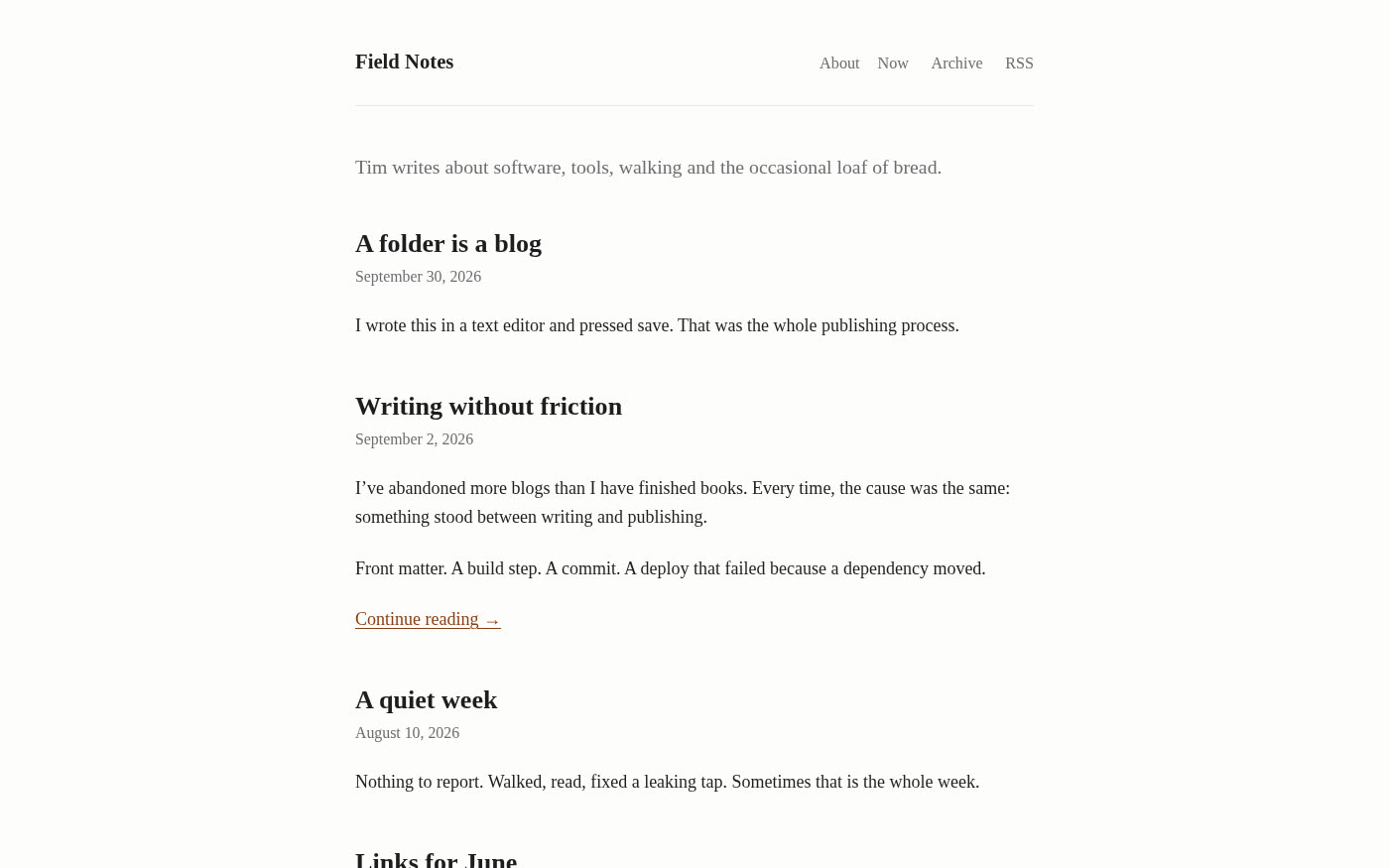
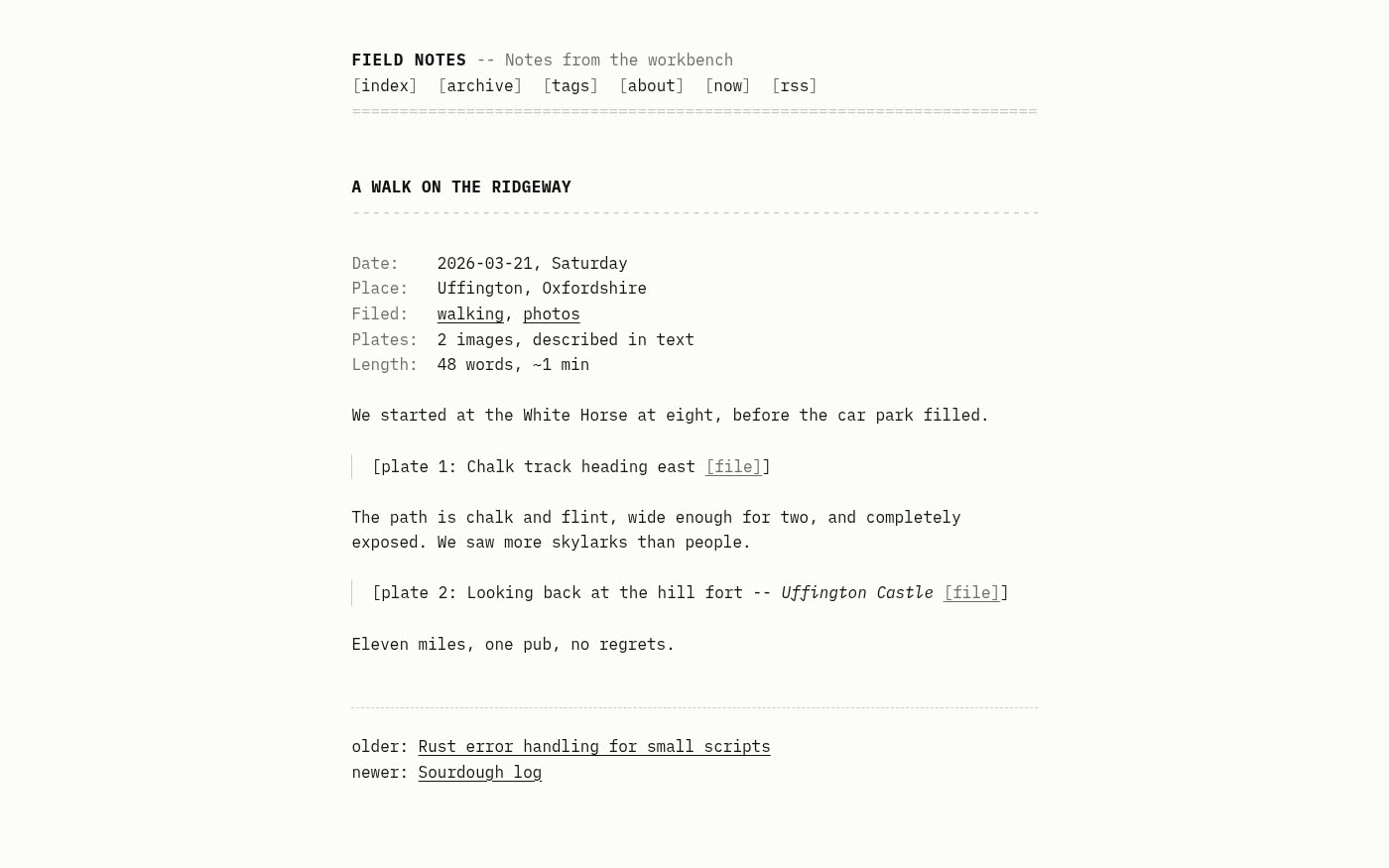
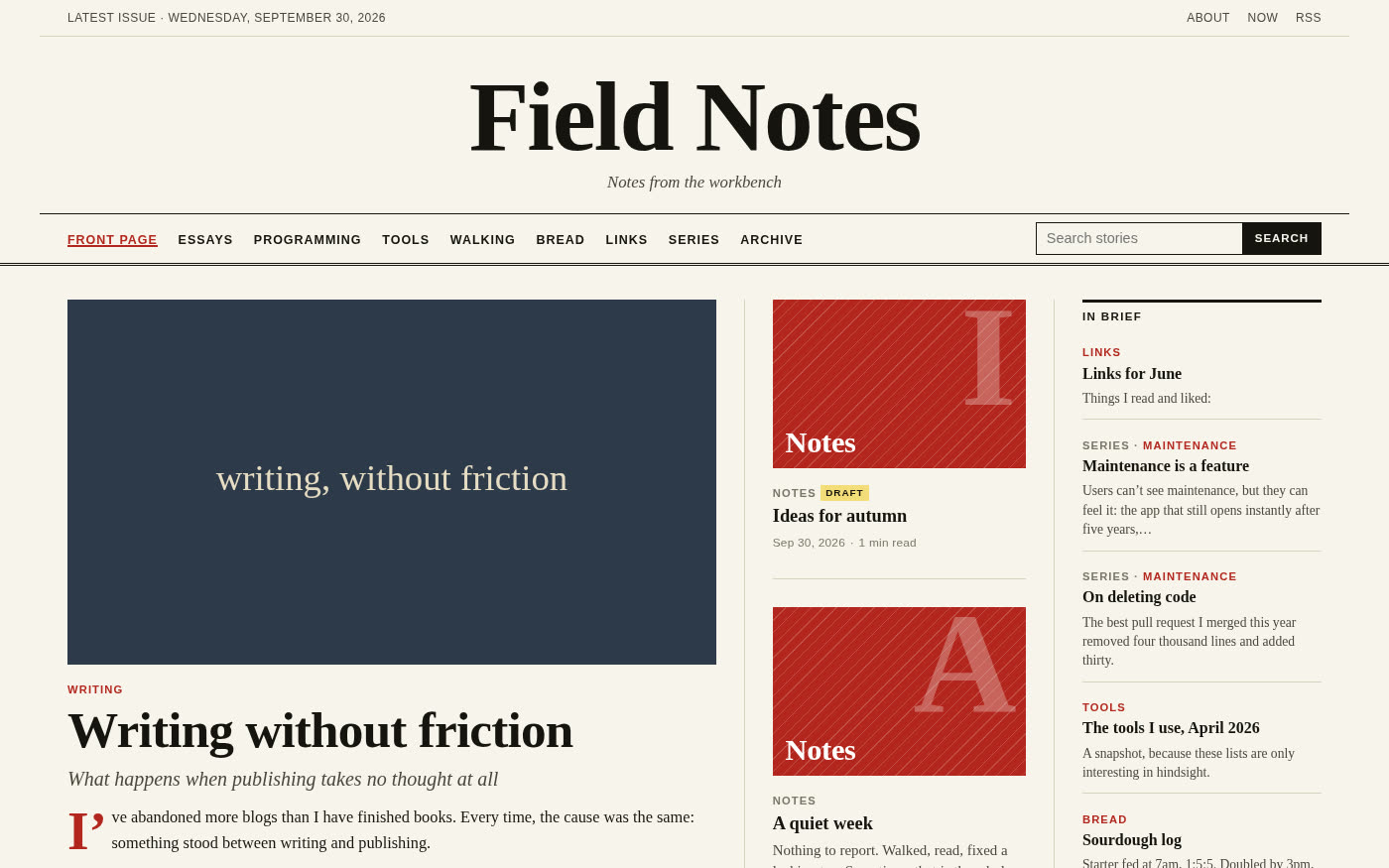
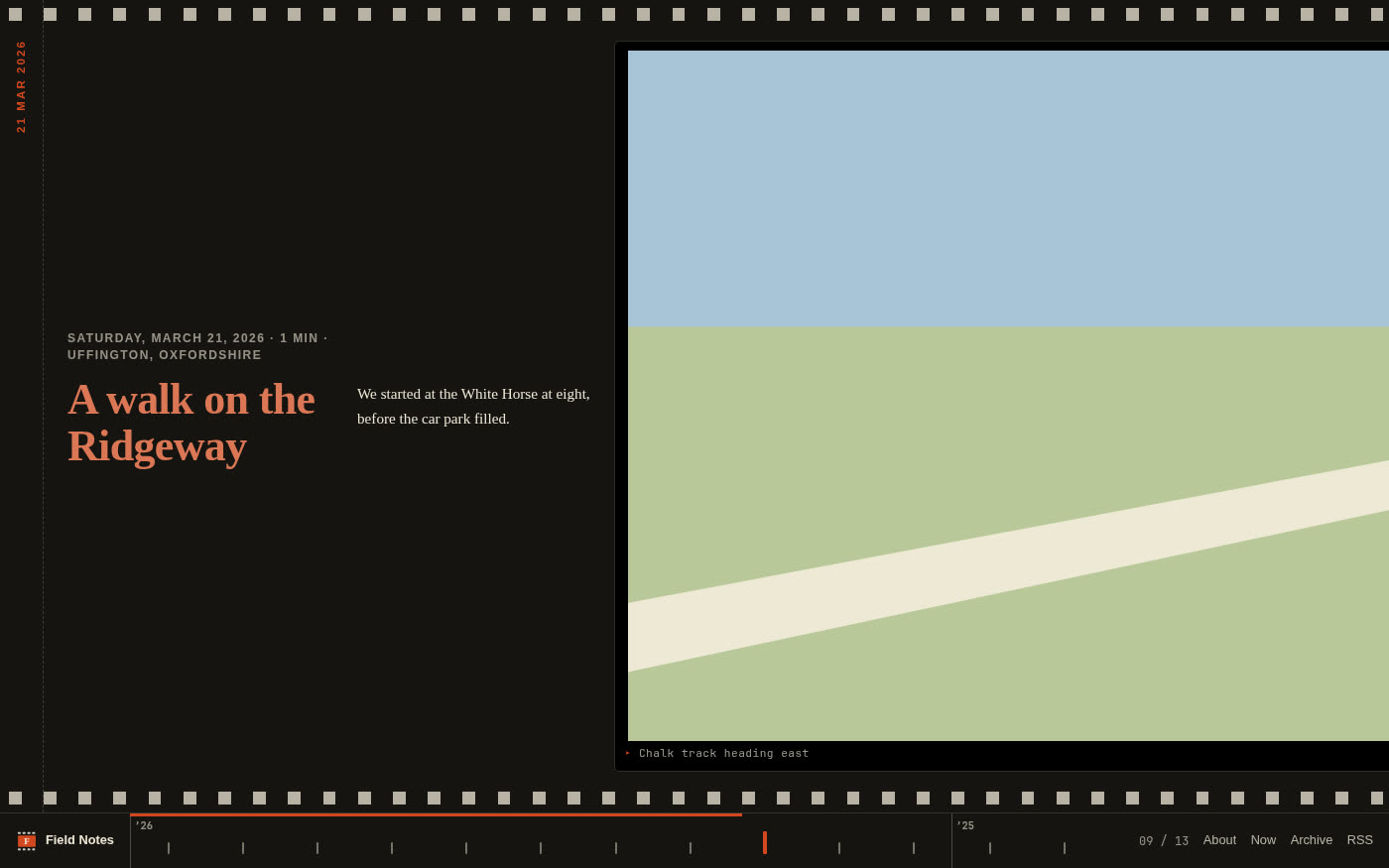
folderblog finds your posts, renders Markdown, builds the RSS feed and sitemap, and never slips its own markup into your pages. A theme is a folder of Jinja templates that can produce any layout and any file: pages, a search index, a stylesheet, an image.
To prove it, we gave three coding agents the same blog, its AGENTS.md, and a one-line brief each. None of them needed a change to the engine.
{#---
each = "tags"
url  = "/tags/{{ item.slug }}/"
---#}
{% extends "_layouts/base.html" %}
{% block main %}
  <h1>#{{ item.name }}</h1>
  {% for post in item.posts %} …
❯ folderblog preview --fixtures stress
❯ folderblog check
ok: 37 files rendered, feed valid,
no broken internal links
❯ folderblog data /2026/09/hello/
{ "post": { "title": "Hello", … } }
GitHub Pages
Five minutes once. Zero clicks after.
- Register a small GitHub App on your own account: Administration, Contents and Pages set to read and write, with Device Flow on.
- Install it on your account.
- Log in with
folderblog login githuband a one-time code. - That's it.
folderblog new myblogcreates the repository and turns on Pages at the first publish.
Logins renew themselves. If one expires or is revoked you get a notification, and anything waiting is published within five minutes of logging back in. Step-by-step guide →
Install
One static binary. git is the only dependency.
curl -LO https://github.com/ninepointlabs/folderblog/releases/latest/download/folderblog-bin-0.2.1-1-x86_64.pkg.tar.zst
sudo pacman -U folderblog-bin-0.2.1-1-x86_64.pkg.tar.zst
curl -LO https://github.com/ninepointlabs/folderblog/releases/latest/download/folderblog_0.2.1-1_amd64.deb
sudo apt install ./folderblog_0.2.1-1_amd64.deb
sudo dnf install https://github.com/ninepointlabs/folderblog/releases/latest/download/folderblog-0.2.1-1.x86_64.rpm
curl -L https://github.com/ninepointlabs/folderblog/releases/latest/download/folderblog-0.2.1-x86_64-linux.tar.gz | tar xz
sudo install -m755 folderblog-0.2.1-x86_64-linux/folderblog /usr/local/bin/
cargo install --git https://github.com/ninepointlabs/folderblog
Then:
❯ folderblog login github --client-id Iv23li…   # once: see the guide
❯ folderblog install-service
❯ folderblog new myblog
❯ echo "# Hello" > ~/Blogs/myblog/posts/hello.md
Questions
Good questions
Does folderblog ever change my files?
No. It only reads your posts and pages, so an editor with the file open never complains. Its own state (first-seen dates, the last good build) lives in a hidden .blog/ folder.
What happens if I break something?
The build fails in its fresh folder, the live site stays exactly as it was, and you get a desktop notification with the file and line. folderblog status shows it too. Fix it and the next save publishes.
Do I have to use GitHub?
No. Any git remote works, and so does any command: rsync, rclone, Cloudflare's wrangler, the Netlify CLI. folderblog runs it with the finished site folder.
Can I use my own domain?
Yes. folderblog new example.com --domain example.com sets it up on GitHub Pages and prints the DNS records to add at your registrar.
Comments, analytics, search?
Not built in, on purpose. The theme owns every byte, so a theme can add any of them. The magazine theme above generates its own search index.
macOS or Windows?
Linux for now: packages for Arch, Debian/Ubuntu and Fedora, plus a static x86_64 binary. It's written in Rust, so other platforms are possible.
From the blog
Introducing folderblogI’ve started more blogs than I’ve finished. Every time, the reason I stopped was the same: something stood between writing and publishing. Front matter to remember. A build…